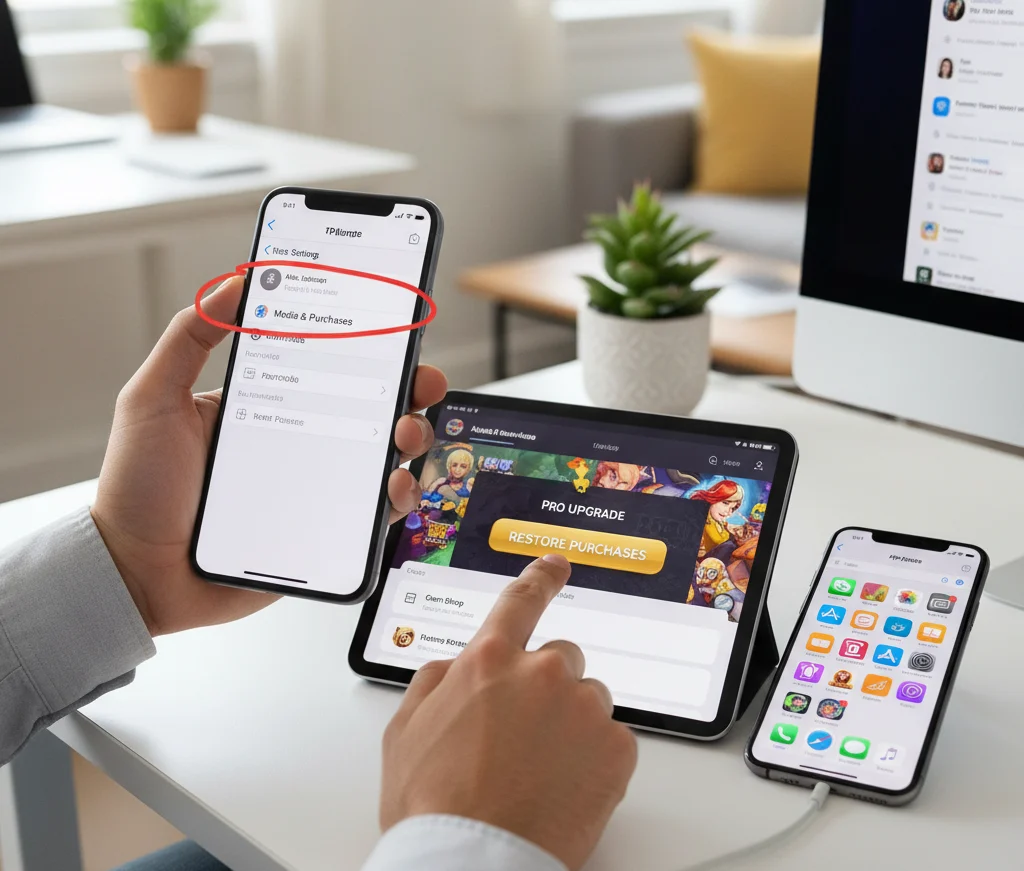

Cross-platform mobile games are the best way to stay connected with friends who play on PC or console, without forcing anyone to buy new hardware. More and more games now let mobile, PC, PlayStation, Xbox, and even Switch players share the same servers, lobbies, and friend lists. For mobile gamers, that means you can join your squad from anywhere, while your friends play from their desks or living rooms.
Why Cross-Platform Mobile Games Matter
Cross-platform games solve one of the biggest problems in modern gaming: being split across different devices. Instead of arguing about which platform is “best,” you and your friends can simply choose a game that supports everyone. This is especially powerful for mobile players, because:
-
You can play with friends who game on PC or console without needing those systems.
-
You can keep playing your favorite titles on the go while they continue on bigger screens.
-
Progress often syncs across devices when you use the same account.
For parents, cross-platform games are also useful because kids can play with cousins or friends who own consoles, while still using a phone or tablet at home.
What Makes a Great Cross-Platform Mobile Game
Not every game with a mobile version feels good to play alongside PC and console users. To be truly enjoyable, a cross-platform title should:
-
Offer fair matchmaking between touch controls and keyboard/controller players.
-
Have stable servers and reasonably low ping across regions.
-
Use a single account system so progress and friends carry between devices.
-
Support voice or text chat, or at least simple ping systems for communication.
When choosing what to play, it helps to focus on games that were designed with cross-play in mind, not just quick mobile ports.
Popular Genres for Cross-Platform Play
Competitive Shooters and Battle Royale

Competitive shooters are some of the most popular cross-platform games on mobile. These games usually offer:
-
Team-based modes where mobile players can squad up with PC/console friends.
-
Ranked matchmaking and seasonal rewards.
-
Custom lobbies for private matches with your group.
Many of these titles give players the option to disable cross-play if they prefer to stick to mobile-only lobbies, which can help level the playing field if touch controls feel disadvantaged.
Co‑op Survival and Sandbox Games
Co‑op games are perfect if your group wants to relax instead of competing. In these games you:
-
Explore open worlds together.
-
Build bases, craft tools, and fight off enemies as a team.
-
Share resources and progress across all platforms.
Because these modes are less about fast reaction times and more about planning and teamwork, mobile players tend to feel much more equal to PC and console teammates.
Sports, Racing, and Party Games
Sports and racing games often include cross-play so friends can compete head‑to‑head regardless of device. Party games, on the other hand, are ideal for game nights because they:
-
Use simple controls that work well on both mobile and controllers.
-
Focus on mini‑games, quizzes, or fun challenges instead of hardcore mechanics.
-
Let you host private rooms so only your friends can join.
These lighter experiences are a great way to include friends and family members who aren’t typical “gamers” but still want to join in.
How to Set Up Cross-Platform Play
Step 1: Create and Link Your Game Account
Most cross-platform games use a unified account system. To make sure you can play across devices:
-
Create an account using an email, username, or social login inside the game.
-
Link that account on every device you use (mobile, PC, or console).
-
Enable cloud saves or cross-progression in settings if available.
Once this is done, your friends list, cosmetics, and progress usually stay synced, no matter where you log in.
Step 2: Add Your Friends From Other Platforms
Adding friends across platforms typically involves:
-
Searching for their in‑game username, ID, or tag.
-
Accepting a friend request that appears in their notifications.
-
Creating a party or lobby and inviting them directly.
Some games let you invite friends through codes or links, which is convenient when usernames differ across platforms.
Step 3: Configure Cross-Play and Input Options
Many cross-platform titles offer toggles such as:
-
Enable or disable cross-play entirely.
-
Prefer same-input lobbies (touch vs controller/keyboard).
-
Choose region or server for lower ping.
For mobile players, it is often best to:
-
Use a stable Wi‑Fi connection for online sessions.
-
Consider a compatible controller if the game supports it and you want an advantage closer to PC/console controls.
Optimization Tips for Mobile Cross-Platform Gaming
Playing with PC and console friends can highlight performance gaps if your phone struggles. A few simple tweaks can improve your experience:
-
Lower graphics settings to “medium” or “performance” mode for smoother frame rates.
-
Close background apps before launching the game.
-
Make sure your device has enough free storage for patches and asset downloads.
-
Keep your phone cool by removing thick cases and avoiding play while fast charging.
These adjustments reduce lag, minimize stutters, and help you react more quickly in competitive matches.
Balancing Fun, Fairness, and Time

Cross-platform gaming is most enjoyable when expectations are clear. Mobile players sometimes face tougher competition, especially in fast-paced shooters, so it helps to:
-
Choose modes that suit everyone’s comfort level—co‑op or casual modes if ranked feels too intense.
-
Remember that party games and co‑op titles can be just as satisfying as hardcore competitive matches.
-
Set healthy time limits, especially for younger players, so cross-platform sessions stay fun instead of draining.
Using voice chat or party chat can make a huge difference, too. Communication keeps everyone on the same page and turns each session into a social experience rather than a silent grind.
Why Cross-Platform Mobile Gaming Is the Future
As more games adopt cross-play and cross-progression, the idea of being “stuck” on one device is slowly disappearing. Mobile players can:
-
Start a session on the phone, then continue later on a bigger screen if they gain access to a PC or console.
-
Join friends’ game nights even when away from home.
-
Enjoy the same seasonal events, updates, and new modes as everyone else.
For developers, cross-platform support means larger, healthier player bases and faster matchmaking. For players, it simply means more choice, more flexibility, and fewer barriers between friends.
By choosing games thoughtfully, optimizing your smartphone, and using cross-play features wisely, you can enjoy some of the best multiplayer experiences available today—without ever leaving your mobile device.